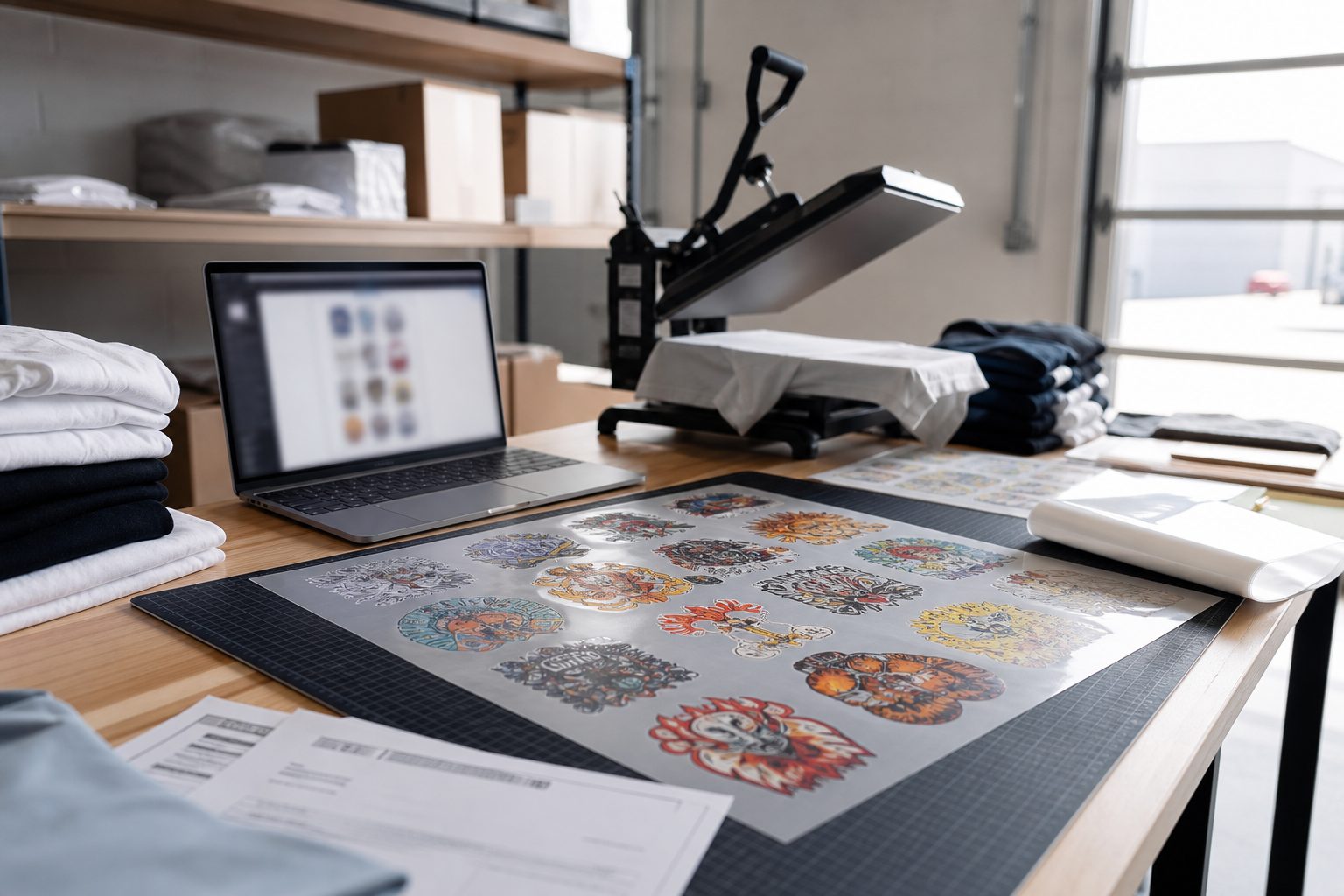
Customer upload gang sheets sound simple until your inbox becomes the art department. Shopify orders stack up while staff renames files, guesses sizes, and rebuilds layouts that customers already thought they finished online.
What customers need on the product page
Clear sheet size limits, minimum DPI at max print size, accepted file types, and a live preview of placement. Plain language beats jargon. Show a rejected upload example so they fix it before checkout.
What your team needs on the order
One export tied to the line item: gang sheet PDF or PNG, order ID, customer notes, and preflight flags. Production should not hunt through email threads for the file that matches order 1842.
Rules that prevent bad uploads
Block tiny raster files, warn on low effective DPI, and require transparency on logos that need it. Auto-nesting saves layout time but does not replace file quality checks at upload.
Pro Transfers Builder features for Shopify gang sheets
Manual vs automated workflow
Manual email art works at low volume. It breaks when you add a second press or hire a part-time prepress person who was not in the original Slack thread. Automate nesting and order-linked exports before you automate marketing.