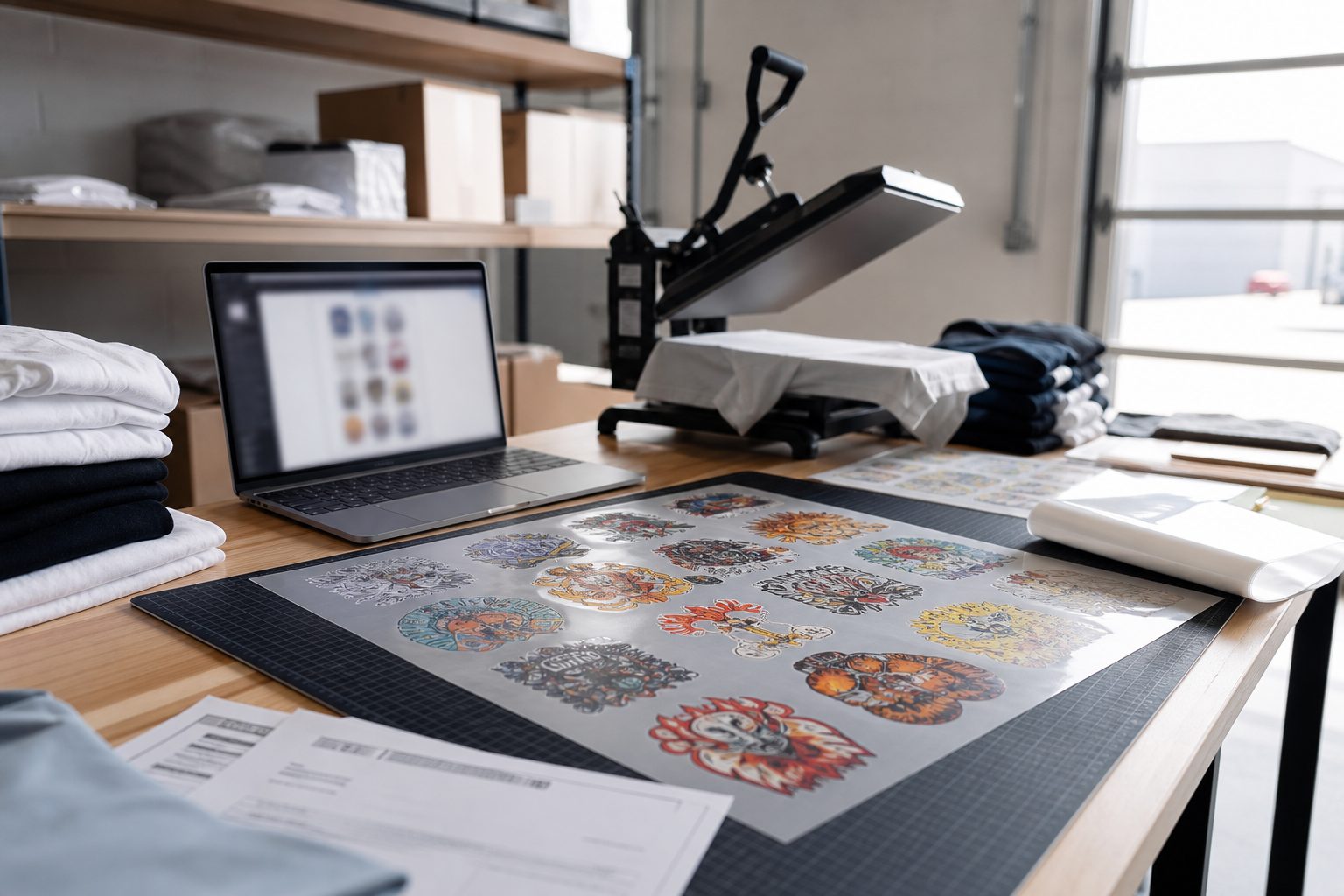
Acquiring a new apparel brand, contractor, or local bakery as a DTF transfer customer takes sample packs, email follow-ups, and careful preflight help on their first order. Yet many print shops make the second order just as slow as the first.
If a repeat client needs twenty more staff shirt transfers or another roll of packaging stickers and has to rebuild their gang sheet from scratch, you are inviting them to shop around. A dedicated reorder workflow turns one-time buyers into predictable monthly revenue.
Why standard ecommerce checkouts fail repeat DTF buyers
On a typical apparel store, clicking "Buy Again" just adds a SKU to the cart. In custom DTF printing, the SKU is only a sheet dimension like 22x60 inches. The real product is the exact arrangement of 300 DPI logos, spacing margins, and color profiles approved on the previous run.
When a client messages your shop asking to rerun Order 1492, your team should never have to ask them to re-email the artwork. If the customer has to hunt down files on their laptop, they often upload the wrong version and blame the shop when the print size shifts.
Read how gang sheet software drives client retention for DTF print shops
Step 1: Keep production files tied to the Shopify order ID
Every gang sheet generated through Pro Transfers Builder is permanently linked to its Shopify order record. Instead of digging through a generic downloads folder, your support or prepress lead can look up the customer by name or order number in Shopify and retrieve the exact 300 DPI production PNG that ran on press.
Step 2: Use Organized Archive Mode in Cloud Drive Sync
For shops that process dozens of repeat commercial accounts, Pro Transfers Builder includes an Organized Archive Mode alongside Hot Folder Mode. When an order completes checkout, Cloud Drive Sync writes the print-ready gang sheet into a structured Google Drive or Dropbox path by date and order number.
When a local business reorders team uniforms or event packaging labels three months later, your operator pulls the verified file straight from the synced archive into the RIP queue with zero preflight time.
Compare Hot Folder Mode and Organized Archive Mode in our Cloud Drive Sync guide
Step 3: Bundle textile DTF and UV DTF for repeat local accounts
Your stickiest repeat customers are local businesses that order both apparel transfers and hard-goods branding on a recurring schedule. A bakery or coffee shop ordering staff aprons also needs permanent box or tumbler labels for seasonal drops.
See how Formulated Prints structures repeat DTF gang sheet uploads
Explore UV DTF permanent stickers at Formulated Prints for repeat packaging orders
See how Soft Bakes by KC structures repeat customer pickup orders in Calgary
Checklist for a two-minute DTF reorder system
1. Every export filename includes the Shopify order number and sheet size. 2. Cloud Drive Sync archives completed sheets automatically in Google Drive or Dropbox. 3. Approved fabric press notes are saved on the customer profile in Shopify. 4. Storefront navigation gives returning buyers a direct upload route when they already have a pre-nested gang sheet.
Learn how we build and integrate complete Shopify DTF storefronts
Install Pro Transfers Builder on Shopify to streamline new and repeat DTF orders
Frequently Asked Questions
Why do repeat DTF buyers switch print shops?
Repeat B2B buyers rarely leave over a few cents per linear foot. They leave when reordering a previously approved gang sheet requires digging through old emails, re-uploading six PNG files, and risking a size change on a uniform restock.
How should a print shop archive gang sheets for fast reorders?
Use an automated cloud archive structure grouped by date and Shopify order number (such as DTF Print Files/YYYY-MM-DD/Order-ID/sheet.png) in Google Drive or Dropbox so any operator can pull the exact 300 DPI production file in seconds.
What is the difference between a first-time order and a repeat DTF order workflow?
First-time orders require DPI preflight, background verification, and layout nesting. Repeat orders should bypass manual prepress completely by reusing the validated, print-ready gang sheet from the original order.