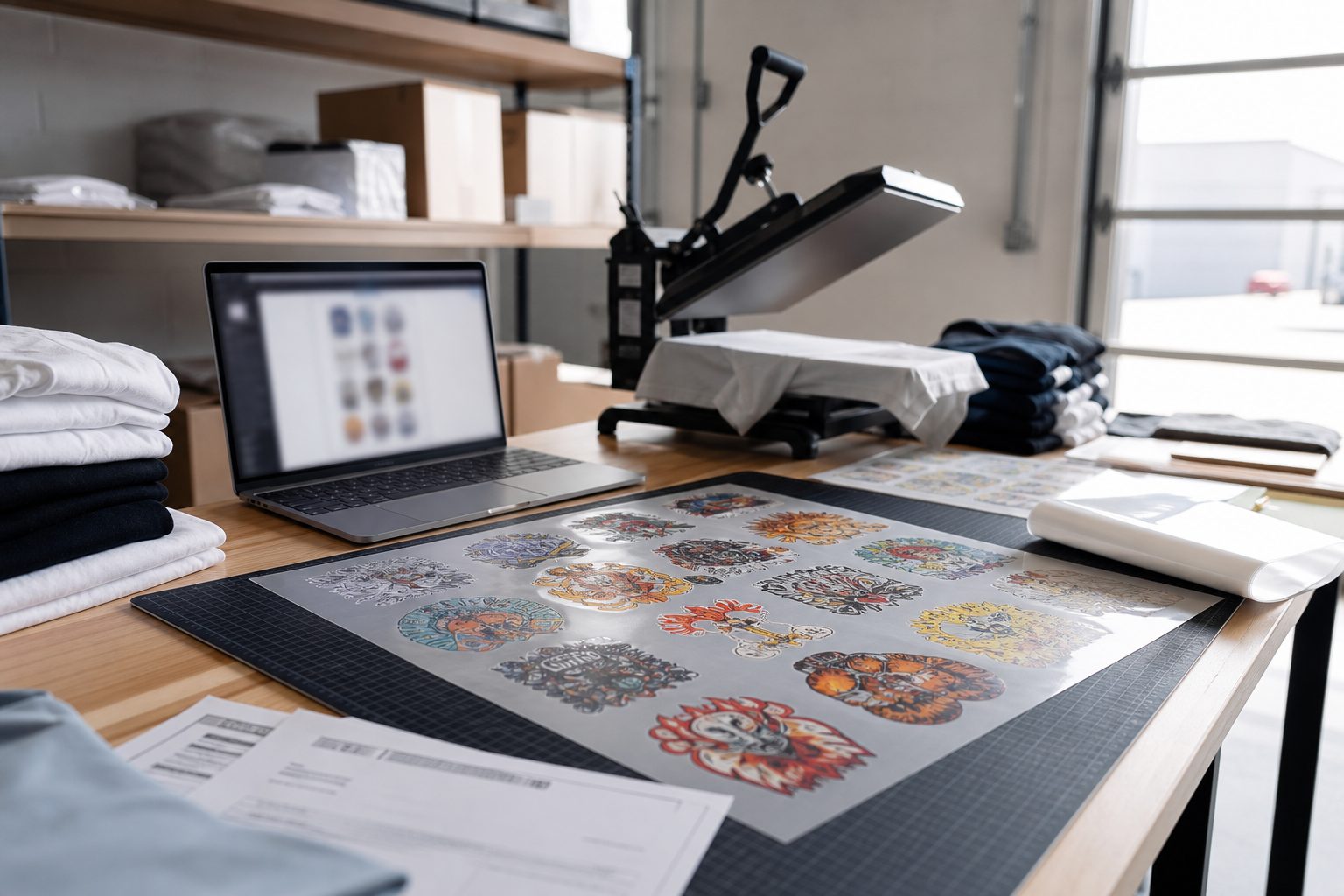
Manual gang sheet prep breaks down when order volume rises. One person can drag files around a canvas for a while. Then the shop gets busy, a size is missed, a customer sends a screenshot, and a print run has to be redone. Automation is useful because it removes repeat work from a process that already has enough ways to go wrong.
What is a DTF gang sheet?
A DTF gang sheet is one print file that holds multiple designs on the same transfer sheet. Shops use it to save film, batch jobs, and keep production moving. The hard part is not understanding the idea. The hard part is making sure every design lands at the right size, with the right count, without wasting half the sheet.
Where does automation actually help?
Automation helps most when the work is repetitive and rule based: nesting art, keeping designs inside sheet bounds, checking counts, pulling order data, and preparing files for review. It should not replace human quality control. It should remove the clicks that make quality control harder.
1. Less time arranging files
If a production person spends 30 minutes building every sheet, that time becomes the ceiling on your daily output. Auto layout gives that time back. The operator can still review the result, but they are reviewing instead of rebuilding from scratch.
2. Fewer avoidable reprints
Many reprints start as tiny workflow misses: wrong dimensions, duplicate artwork, missing art, or a rushed export. A builder that keeps sizes, counts, and sheet limits visible reduces the easy mistakes. That matters because reprints cost film, powder, press time, packaging, and customer trust.
3. Better customer handoff
Customers are not prepress operators. They need clear upload rules, visual confirmation, and a simple way to approve the sheet. When the builder handles that handoff, support spends less time explaining file setup one email at a time.
How should Shopify DTF shops use automation?
Start with the store workflow. Orders, products, art, and approvals should stay connected. If the builder sits outside the order flow, someone still has to copy information between tools. Native Shopify workflows reduce that handoff and make it easier to trace a finished sheet back to the customer order.
Auto nesting DTF gang sheets without losing control
Auto nesting DTF gang sheet layout saves the clicks that slow down busy days. The software places designs inside sheet bounds, respects margins, and flags overlaps. Your operator still approves the sheet before print. That split is what makes auto nesting safe: software proposes, humans approve.
Shops that reduce gang sheet prep time usually start with one default sheet size per printer, one nesting preset per product type, and a rule that every customer upload must pass DPI checks before it enters the nest. Those three rules cut rework faster than buying a faster RIP alone.
Gang sheet nesting tips to reduce film waste
What should not be automated?
Do not automate final judgment. Low resolution art, strange transparency, copyrighted files, or customer notes still need a human check. The right setup is simple: let software do the layout and let staff make the calls that affect quality and risk.
Supplier workflow matters too
If you outsource transfers, automation still helps. Clean files and clear approvals make life easier for your supplier and your team. When you need a practical example of the ordering side, Formulated Prints shows the type of DTF and UV DTF workflows a shop can point customers toward.
Review the Formulated Prints DTF gang sheet workflow
Pro Transfers Builder is built around that same production reality: fewer manual layout steps, clearer files, and a better path from Shopify order to print-ready sheet.