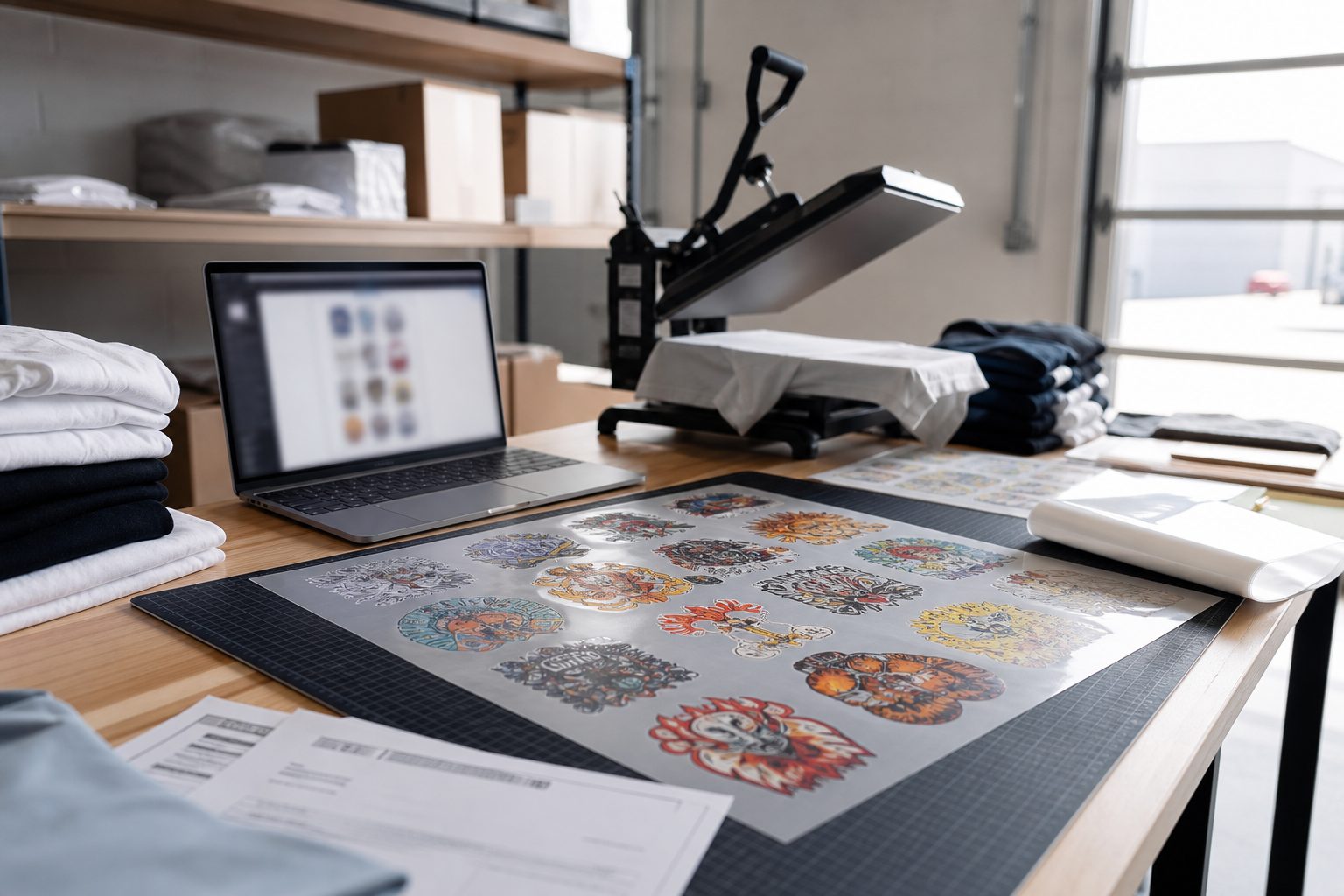
A DTF print shop workflow breaks when steps are implied instead of written down. Files arrive from Shopify, email, and walk-ins. Powder cures while someone hunts for the right gang sheet. Press settings drift because yesterday worked on a different garment.
This checklist is the production path we recommend shops document before they scale order volume. It ties customer uploads to the order record and keeps prepress, print, and press on the same page.
1. Order intake and file ownership
Every job needs one owner and one order ID. Link the customer upload to the Shopify line item or internal ticket before anyone opens a layout tool. If art arrives by email, attach it to the same record. Duplicate folders named "final_v3_really_final" are how reprints start.
2. Preflight before gang sheet layout
Check effective DPI at final print size, transparency, and minimum line weights. Reject or fix soft files before nesting. Note halftones and white underbase needs on the order. Run the same checks your builder shows at upload so production and support see the same warnings.
DPI export settings that prevent blurry DTF transfers
3. Gang sheet layout and proof
Nest for film width, leave sane margins, and group jobs by cure profile when possible. Export a low-res proof PDF or screenshot for internal review on multi-customer sheets. Name exports with order ID and date so RIP folders stay searchable.
4. Print, powder, and cure
Log ink batch, film lot, and powder type when a customer reports a durability issue weeks later. Match cure time and temperature to your powder supplier spec. If white ink sits idle, run a short purge before production white heavy jobs.
Powder curing troubleshooting when transfers fail QA
5. Heat press and QA
Press a test piece when garment type or film lot changes. Peel test, stretch test, and wash test on new accounts. Store approved settings by fabric blend, not by operator memory.
Heat press settings for DTF transfers that stick
6. Ship and close the loop
Bag with order ID visible. Mark Shopify fulfilled only after QA passes. Note reprint reason codes when you redo a job so you can spot upload vs press vs cure patterns monthly.