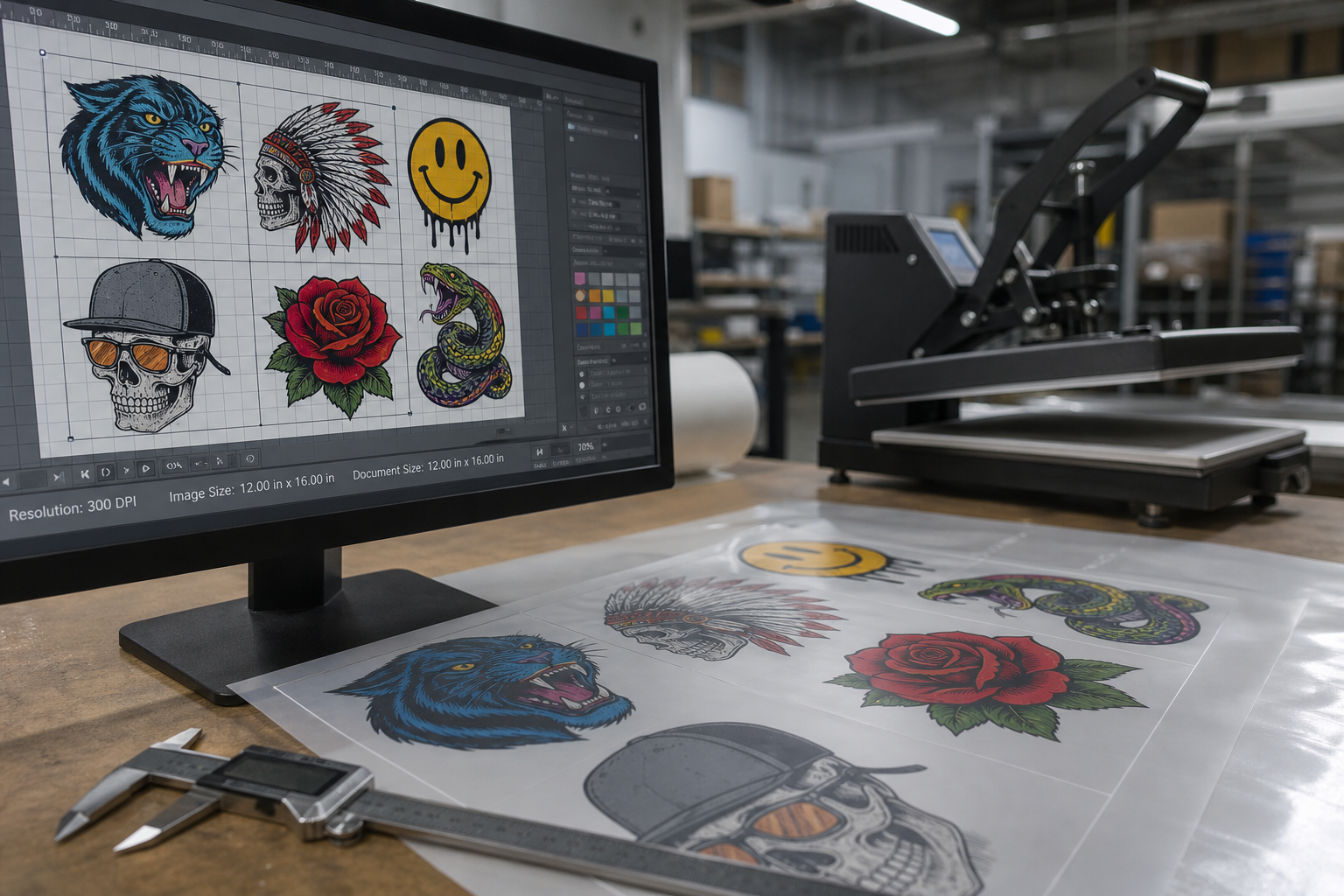
Print shops lose hours every week fixing customer files that looked fine on a phone screen but broke inside the RIP. The most common intake argument on the shop floor is whether to ask customers for PNG or PDF files when ordering DTF transfers and gang sheets.
Both formats can produce sharp transfers, but they fail in completely different ways. This guide breaks down when to require 300 DPI transparent PNG, when a PDF is acceptable, and how to standardize print-ready gang sheet exports on Shopify so your prepress queue stops stalling.
How does PNG compare to PDF for DTF printing?
A PNG is a raster image with an 8-bit alpha transparency channel. Once exported at 300 DPI at final print dimensions, every pixel and transparent edge is fixed. It looks identical in a web browser, Photoshop, and CADlink Digital Factory.
A PDF is a container format. It can hold crisp vector paths, live type, embedded low-resolution JPEGs, clipping masks, and spot color channels all in the same document. That flexibility is great for a seasoned designer and dangerous for an automated customer upload form.
Read our guide on DPI settings and resolution rules for DTF transfers
Why customer PDF uploads cause prepress bottlenecks
When print shops allow raw PDF uploads without preflight rules, four problems show up in production almost every day:
1. Missing font substitutions: The customer saves a PDF from Canva or Illustrator without outlining text. Your RIP substitutes Arial or drops characters entirely.
2. Fake vector wrappers: A customer places a 72 DPI screenshot inside an Illustrator artboard and exports a PDF. The file extension says PDF, but the artwork inside is still blurry raster data.
3. Unflattened transparency boxes: Drop shadows and glow effects over spot colors can render as faint white or gray rectangles once the RIP generates the white underbase channel.
4. Artboard bleed mismatches: Multi-page PDFs or files with huge empty artboards throw off automatic bounding-box trim and waste film on the gang sheet.
See the most common DTF customer upload mistakes and how to block them
When should your shop require 300 DPI PNG?
Make 300 DPI transparent PNG your primary intake rule for online gang sheet builders and self-serve Shopify orders. In Pro Transfers Builder, customer uploads are checked for effective DPI at the actual physical width on the sheet, transparent backgrounds are verified on a contrast grid, and the final nested gang sheet exports as a print-ready 300 DPI PNG.
Because the exported sheet is already rasterized at full production resolution with clean alpha edges, it streams straight into Google Drive or Dropbox and lands in your RIP hot folder ready to print.
Learn how to stream print-ready gang sheets into your RIP hot folder
When is a PDF still useful in a DTF shop?
Keep PDF as a secondary option for B2B corporate accounts or in-house designers who need to scale a single vector logo across five different garment placements (left chest, sleeve, youth front, adult front, and back yoke). Before nesting that PDF onto a gang sheet, run three mandatory checks: convert all strokes and fonts to outlines, expand appearance on any gradients, and export a 300 DPI transparent PNG for the builder.
See how Formulated Prints explains DTF artwork preparation to customers
Print shop file prep checklist before exporting a gang sheet
Use this five-point preflight standard before sending any customer sheet to your printer or transfer supplier: 1. Dimensions locked in inches at 300 PPI. 2. Background verified transparent on a dark checkerboard. 3. Minimum line weight at least 0.018 inches (roughly 5 pixels at 300 DPI) so adhesive powder can bond. 4. No semi-transparent stray pixels around the cut line unless halftoned intentionally. 5. Export saved as uncompressed or lossless 300 DPI PNG.
Order a custom DTF gang sheet from Formulated Prints with print-ready PNG files
Install Pro Transfers Builder on Shopify to automate 300 DPI gang sheet exports
Frequently Asked Questions
Is PNG or PDF better for DTF gang sheets?
For customer uploads and automated gang sheet builders, 300 DPI transparent PNG is more reliable because pixels and alpha channels are locked. Vector PDFs are useful for single-logo vector art only if all fonts are converted to outlines and linked images are embedded.
Why do customer PDF uploads sometimes print with white boxes or missing text?
PDF files can contain unoutlined fonts, live Illustrator effects, clipping masks, or mixed CMYK and RGB transparency blend groups that RIP software interprets differently than a browser preview.
What export format should a Shopify gang sheet builder send to the RIP?
A 300 DPI transparent PNG at exact roll dimensions (such as 22 inches wide) imports cleanly into CADlink Digital Factory, AcroRIP, Flexi, and Wasatch hot folders without font or vector flattening errors.